Watch a busy counter for ten minutes and you will see where the time goes: searching for a product by name, correcting a quantity, waiting for a payment to confirm, reprinting a bill. Each delay is a few seconds. Across a festival weekend they add up to customers who give up and walk out.
Here is how to set up a POS so the counter keeps moving.
1. Organise products for tapping, not searching
- Group products into categories that match how your staff think: Kitchen, Cooling, Laundry and so on, not supplier codes.
- Use short, clear names. "Mixer Grinder 750W" is faster to recognise than a full catalogue description.
- Put your fastest movers first. The items sold most often should be one tap away.
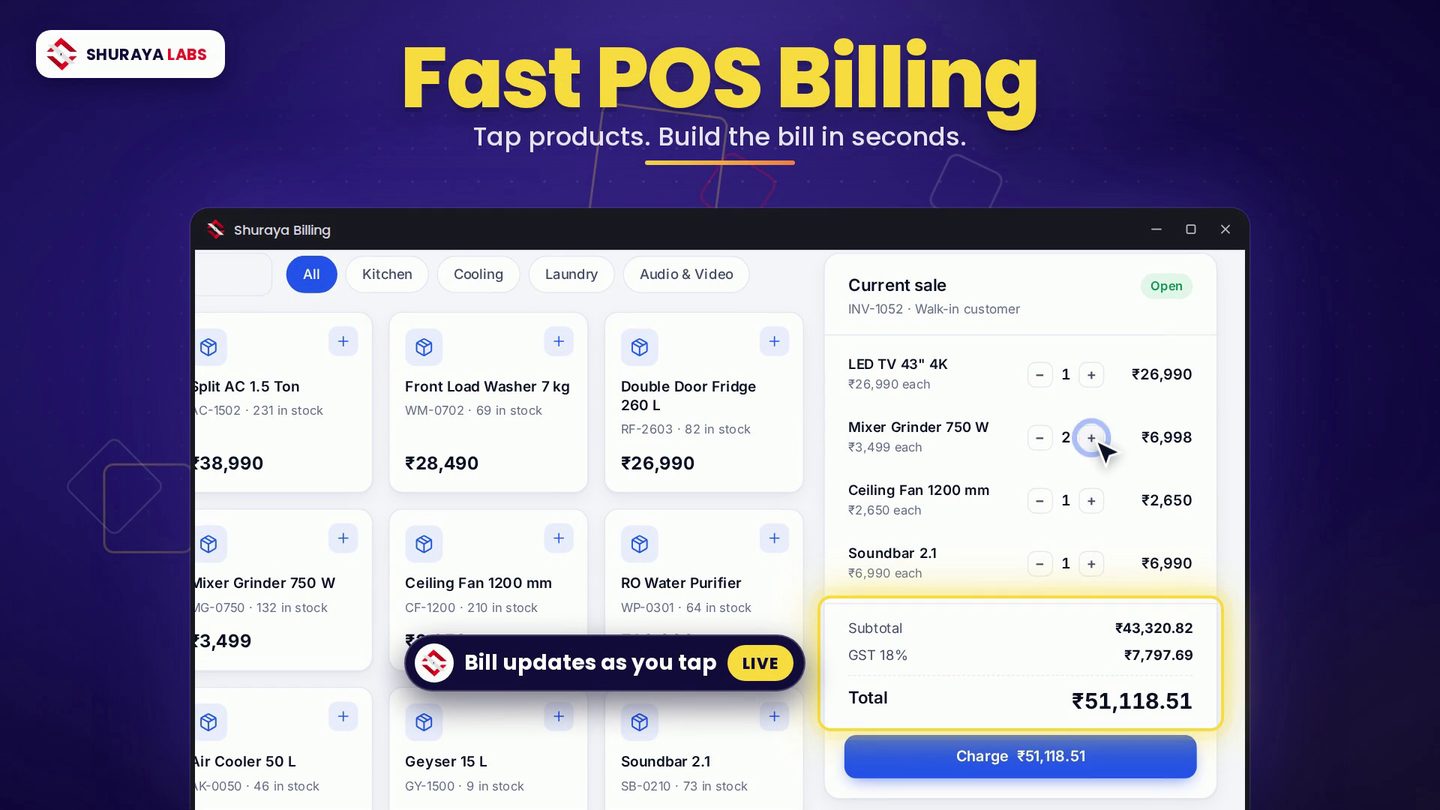
Shuraya Billing's POS screen shows products as tiles you can tap, filtered by category, with stock visible on each tile so staff do not sell what is not there.
2. Scan wherever you can
Barcodes remove typing and typos. For items that arrive without one, print your own labels with the built-in barcode label generator. After the first week, most bills should be scans rather than searches.
3. Let the bill build itself
As each product is added, the bill should update instantly: quantity, line total, GST and grand total. Staff should only touch the keyboard to change a quantity or apply a discount. When the running total is always visible, customers see the amount before they ask, and there are fewer surprises at the end.
4. Make payment the fastest step
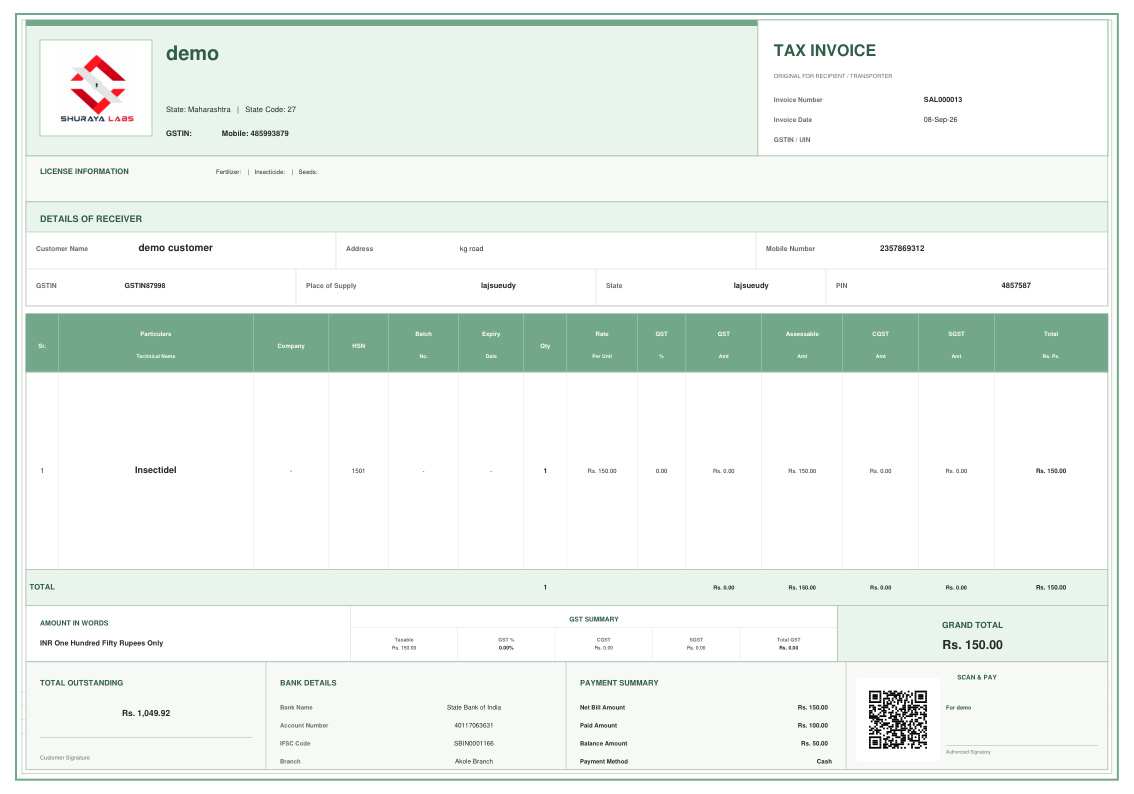
- Print a payment QR on the invoice so customers can pay by UPI without asking for your number.
- Record the payment mode on the bill (cash, UPI or card), so your daily closing matches without detective work.
- Keep credit sales on the same screen. Selecting a customer and marking the bill as due should take one step, not a separate book.
5. Keep retail and wholesale on one system
Many shops serve both walk-in customers and resellers. Two different price lists in two different systems is how mistakes happen. Shuraya Billing switches between retail and wholesale modes instantly, with the right prices for each.
6. Do not let the internet slow you down
If your POS depends on a live connection, your checkout speed depends on your broadband. Shuraya Billing runs fully offline, so the counter works at the speed of your computer whatever the network is doing.
7. Close the day in five minutes
At closing, compare the day's sales report with your cash drawer and UPI receipts. Fix differences the same day while everyone still remembers what happened. A clean daily close is what keeps month-end short.
Put it into practice
A well set up counter is not about expensive hardware. It is about products that are easy to find, bills that build themselves and payments that do not wait. See the POS in action in the Shuraya Billing film, or download the app and try it with your own product list.