There is a moment every shop owner using cloud billing knows well. The queue is five customers deep, the screen shows a spinner, and someone behind the counter reaches for the paper bill book. The sale still happens. The record of it now lives on a slip of paper that someone has to type in later, if they remember.
Offline-first software is designed so that moment never happens.
What "offline first" actually means
An offline-first application does all of its essential work on your own computer. The database, the billing engine and the reports run locally. Nothing about making a bill, updating stock or looking up a customer's balance waits for a server somewhere else.
That is different from a cloud app with an "offline mode" bolted on. Those usually let you keep billing for a while, then try to sync everything back when the connection returns, which is exactly when duplicate invoices and mismatched stock appear.
Three things it protects
1. The sale itself
Power backups are common in Indian retail. Reliable broadband is not, especially in smaller towns, markets with thick walls and shops that rely on a phone hotspot. When the software does not care whether the connection is up, a network problem stays a network problem. It never becomes a billing problem.
2. Speed at the counter
Local software responds as fast as your computer can. Searching a product list of a few thousand items, adding it to a bill and printing is near instant because none of it makes a round trip over the internet. At a busy counter, a second saved per bill is the difference between a queue that moves and customers who leave.
3. Ownership of your data
Your price list, your margins and your customer credit history are some of the most sensitive information in the business. With offline-first software they stay on a machine you control. You decide when to back up, where the backup goes and who can see it.
The trade-offs, honestly
Offline first is not free of responsibility:
- Backups become your job. If the only copy of your data is on one computer, a dead hard disk hurts. Good software makes this easy. Shuraya Billing has one-click local backup and restore, and we recommend keeping a copy on an external drive or pen drive every week.
- Multi-branch reporting needs planning. If you run several outlets, decide early how numbers will come together. This is exactly the kind of setup we help with when we build custom ERP systems.
- Updates arrive through the installer, not silently overnight. That is usually a feature, because nothing changes under you in the middle of a sale.
How Shuraya Billing approaches it
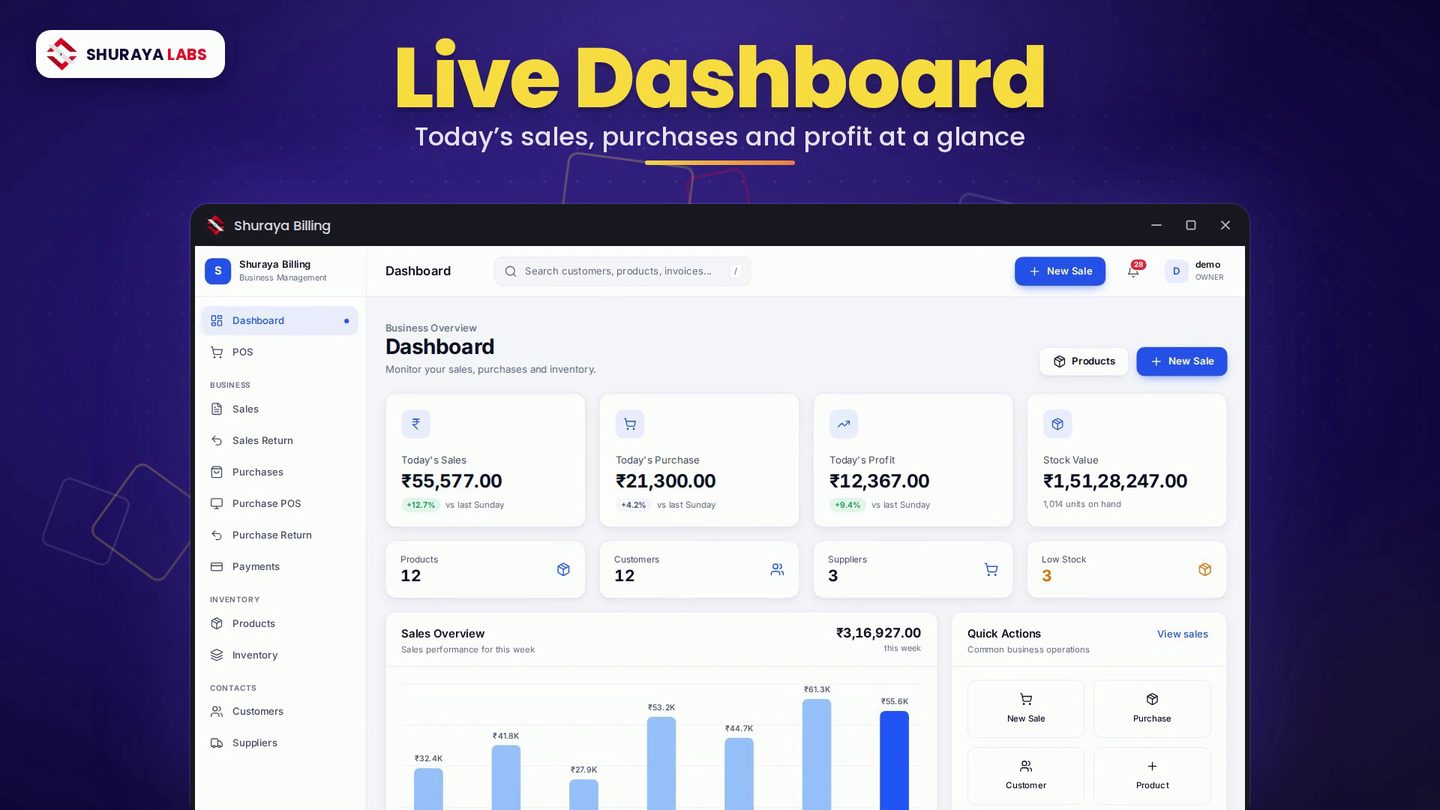
Shuraya Billing was built offline first from day one. Billing, POS, stock, customers, dues, reports and e-way bill data all work without internet. The connection is only needed for licence verification.
We think this is the right default for most Indian retail and wholesale businesses: fast at the counter, calm during outages and fully yours. If you want to see it running, watch the product film or download the brochure.