Most billing software sold to Indian shops quietly assumes a steady internet connection. The counter works fine until the broadband drops on a Saturday evening, the mobile hotspot runs out of data, or the cloud service slows down right when the queue is longest. Then bills get written by hand, stock stops matching and the evening is spent reconciling.
We kept hearing this from the retailers, wholesalers and distributors we build software for. So we built Shuraya Billing: a complete billing, POS and inventory application that runs on your own Windows computer and keeps working with no internet at all.
Why offline first
Your billing counter is the one place in the business that cannot wait. Shuraya Billing keeps every core workflow on the machine itself:
- Billing and POS work without a connection, so a network outage never stops a sale.
- Stock updates instantly because nothing has to sync to a server before the next bill.
- Your data stays with you. Customer lists, prices and margins live on your system, not on someone else's cloud.
An internet connection is only needed for licence verification. Day to day, the app does not depend on it.
What is inside
Fast POS billing
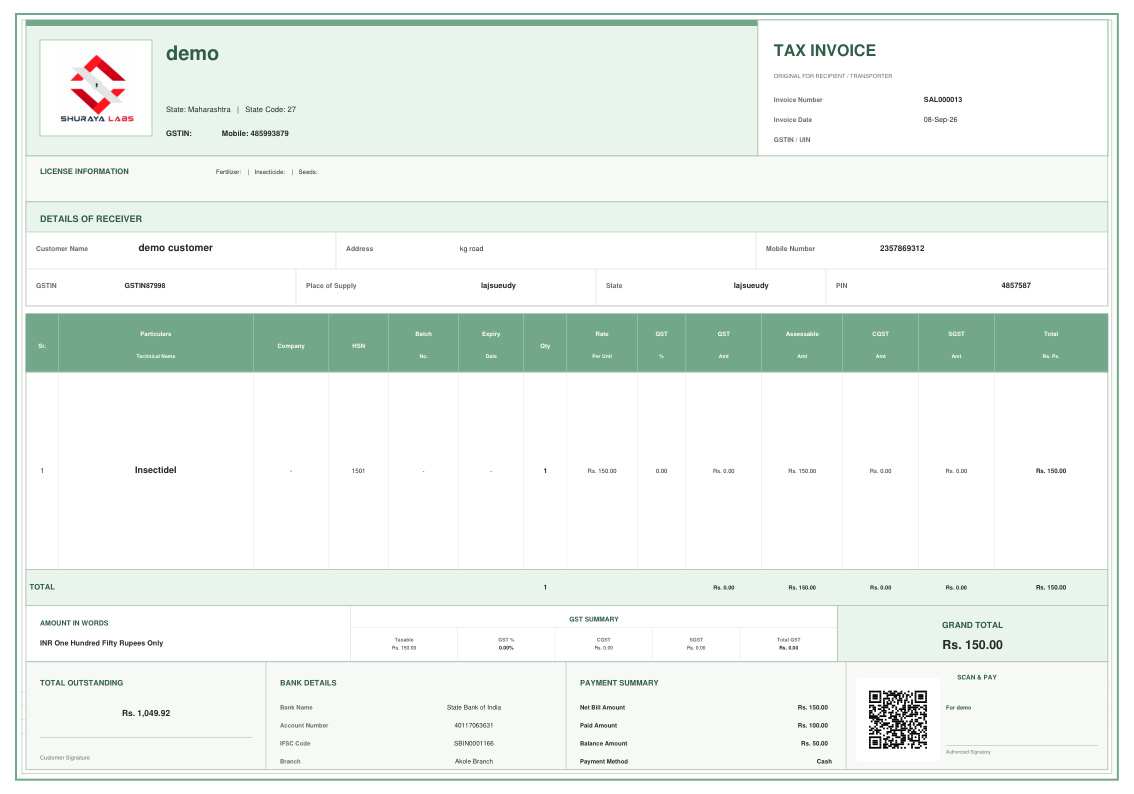
Tap products or scan a barcode and the bill builds as you go. Quantities, discounts and GST are calculated live, and the invoice can carry a payment QR code so customers can pay by UPI straight from the printout. The same app switches between retail and wholesale modes, so a shop that sells to walk-in customers in the morning and to resellers in the afternoon does not need two systems.
Stock and inventory control
Every sale and purchase moves stock automatically. You get low-stock and reorder alerts before a product runs out, unit conversion for goods sold by weight or volume (kilograms to grams, litres to millilitres) and a built-in barcode label generator for products that arrive without one.
Customers, dues and credit
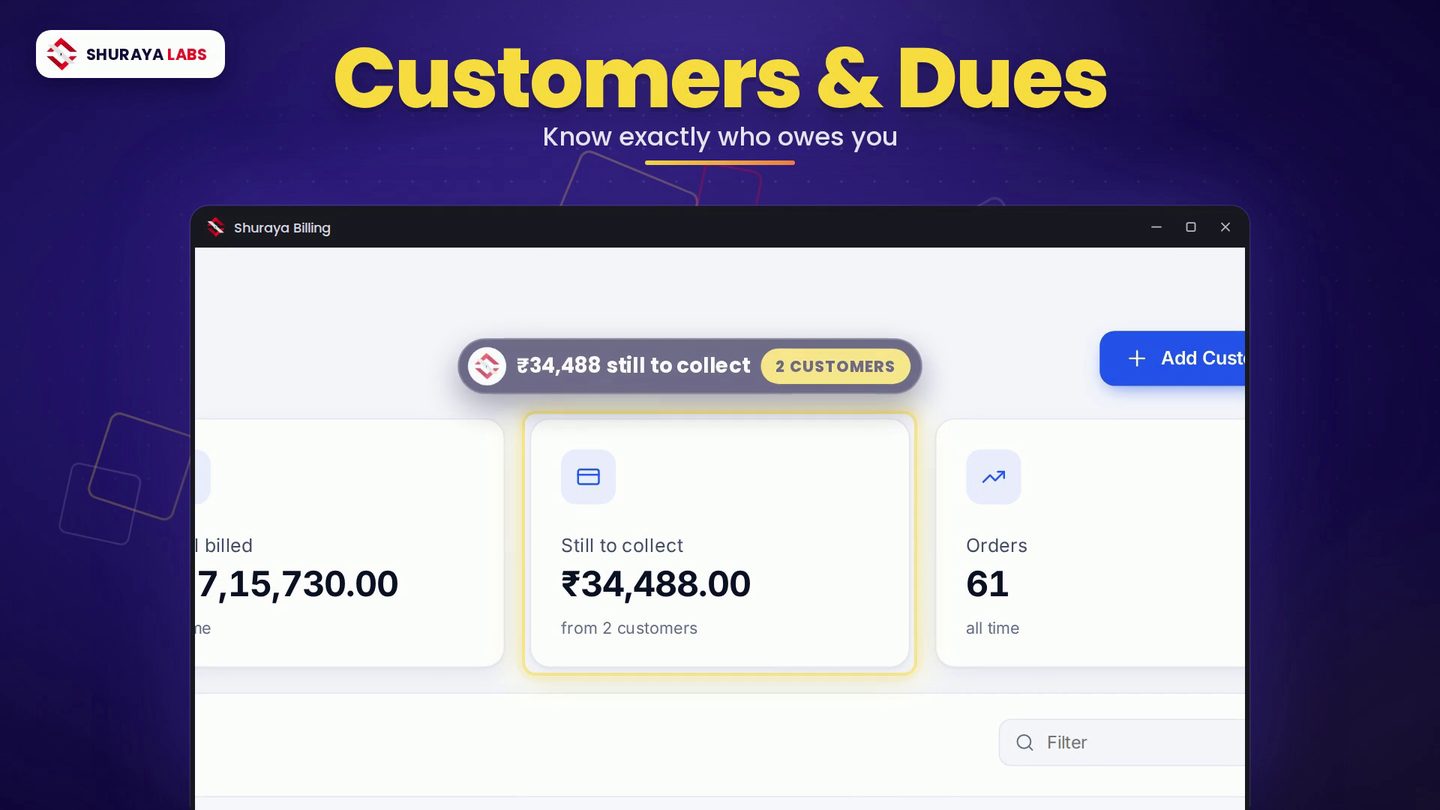
Credit is part of how Indian retail works. Shuraya Billing tracks what each customer owes, shows who has paid and who has not, and ranks customers by how reliably they settle their dues. You always know how much is still to collect and from whom.
Reports you will actually open
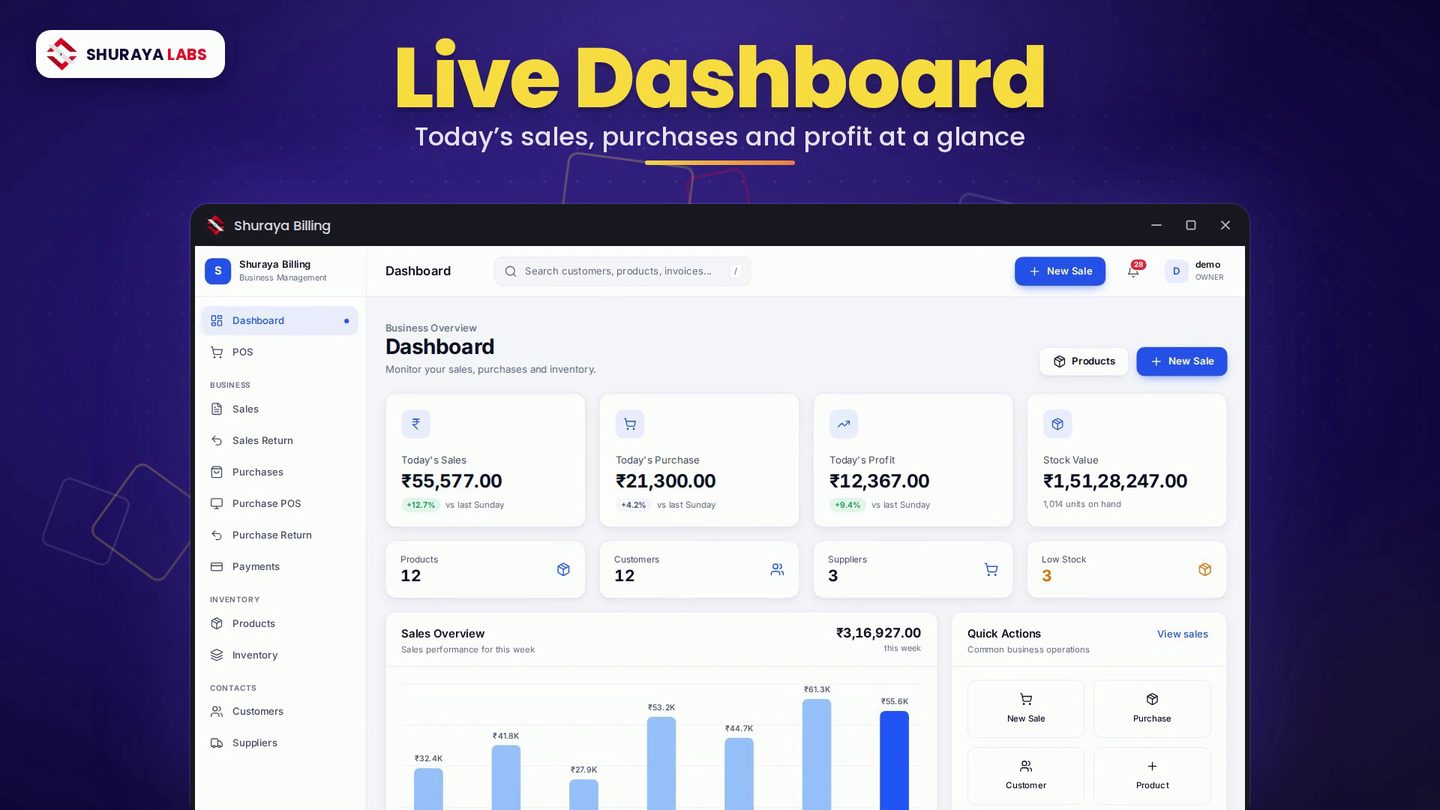
The dashboard shows today's sales, purchases, profit and stock value the moment you open the app. Detailed reports cover sales, purchases, stock, low stock, payments, customer and supplier ledgers and e-way bills, with bulk report export when your accountant asks for the month's numbers.
The practical details
- Multi-language support for staff who are more comfortable outside English.
- Your store logo on invoices and reports.
- One-click local backup and restore, so a failed hard disk is an inconvenience, not a disaster.
- Data migration from Excel and CSV, so you do not start from a blank product list.
- Notifications for the events that need your attention.
Who it is for
We designed Shuraya Billing around the businesses we meet most often:
- Supermarkets and kirana stores
- Wholesale and distribution outlets
- Hardware and electrical stores
- Garment and footwear outlets
- Bakeries and confectioneries
- Agriculture and farm supply shops
- Dairy operations
- Fabrication units
- Real estate and construction suppliers
If your business bills customers, buys stock and needs to know where the money went, it will fit.
Getting started
- Download the installer from the Shuraya Billing page.
- Run the setup and follow the installation wizard.
- Launch the app and activate it with your licence key.
- Import your products and customers from Excel or CSV, or add them as you go.
- Make your first bill.
You will need Windows 10 or 11 (64-bit), 4 GB of RAM (8 GB recommended) and around 500 MB of free disk space.
Talk to us
Shuraya Billing is built and supported by the Shuraya Labs team in Pune. If you want a walkthrough for your shop, need help migrating data or want a feature your trade depends on, get in touch. We read every message.